



Importing Localizations
1. In the Presets view, click Localization.
The Localization
- Culture List
page opens.
2. Click the Export button.
The Culture Import
page is displayed.
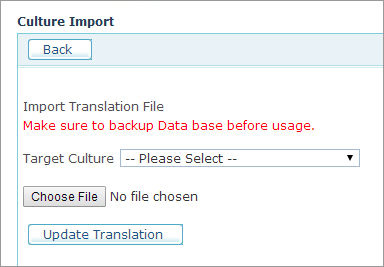
3. Select the target culture in the Target Culture list.
4. Click Choose File to locate the translated Excel file.
5. Make sure you backed up your database before importing the translations.
6. Click Update Translation.
The new translations will be inserted into the database.