



Modifying the Coupon Batch Status
1. Click the Coupon Name in the Name column.
The Coupon Batch
Setup page is displayed with Status
as the only editable field.
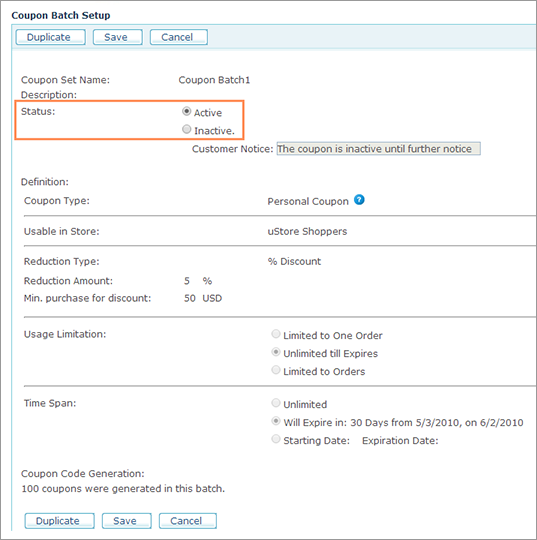
2. Modify the coupon batch status by selecting the Active or Inactive in the Status field. In case Inactive status is selected, you may change the Customer Notice as needed.
3. Click Save.